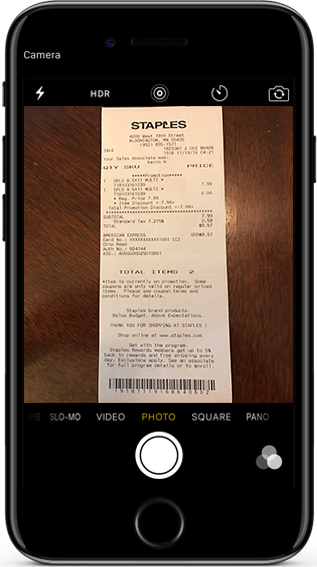
Follow the Photo Tips instructions
Select the ’Submit A Receipt’ button on any page
Fill out the fields and select ’Continue’
Use ’Choose File’ to select the receipt pic you want to submit
Underneath your receipt pic, select ’Submit Photo’
Voila! All Done!